
Rate this product
No ratings yet — be the first.

Best Launch Directories
PromotedThe periodic table of launch directories. Every place to launch your product, measured.
VisitAbout
Screenshots
Comments (1)
Sign in to join the conversation.

Hi, I'm Kadirhan, and I made Ramback on my own.
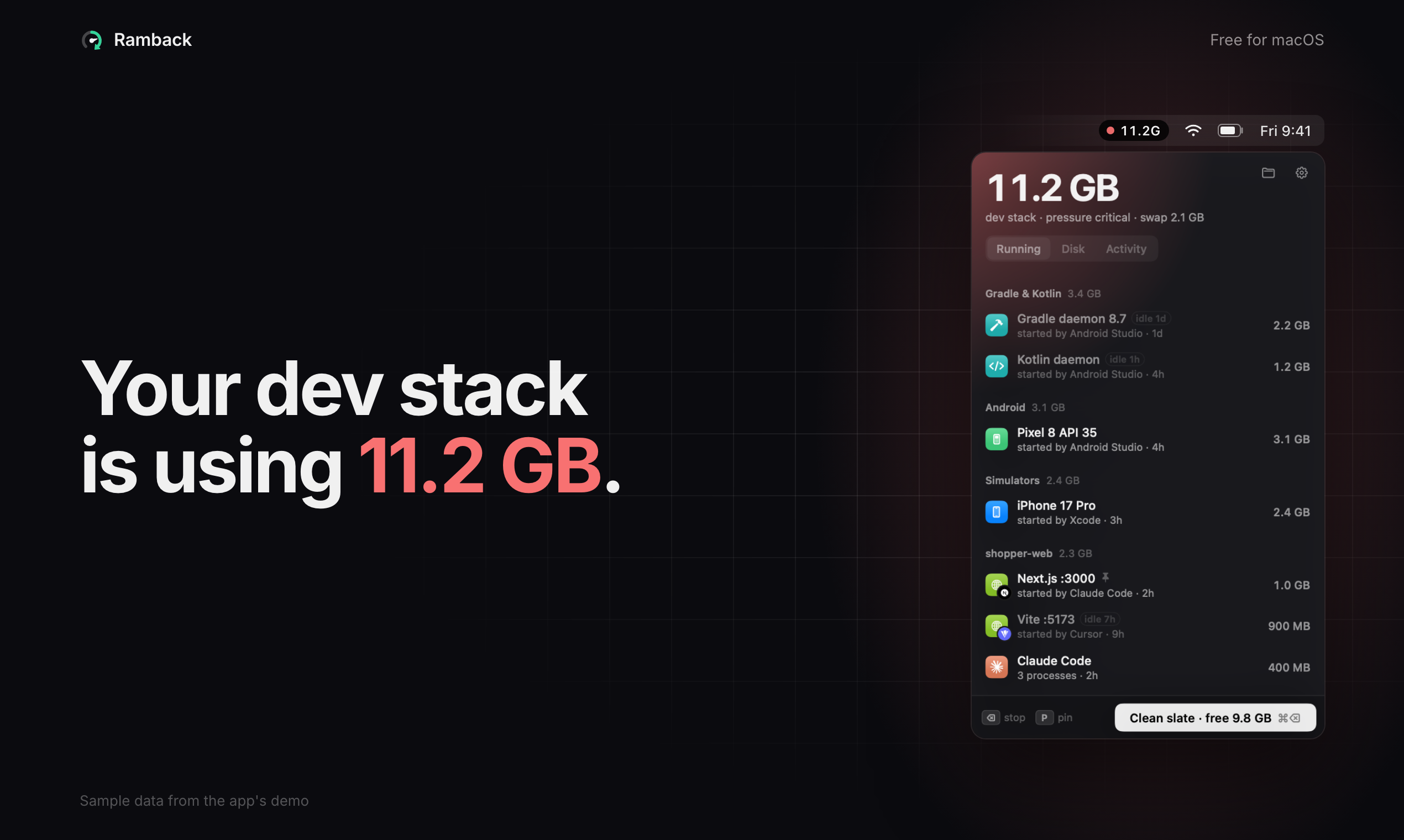
It started with my own Mac. One afternoon memory pressure was at warning, 4.4 GB was in swap, and when I went looking I found Xcode's build service at 1.4 GB and five Claude Code sessions holding about half a gigabyte each. Activity Monitor told me something was using the memory. It didn't tell me it was yesterday's simulator.
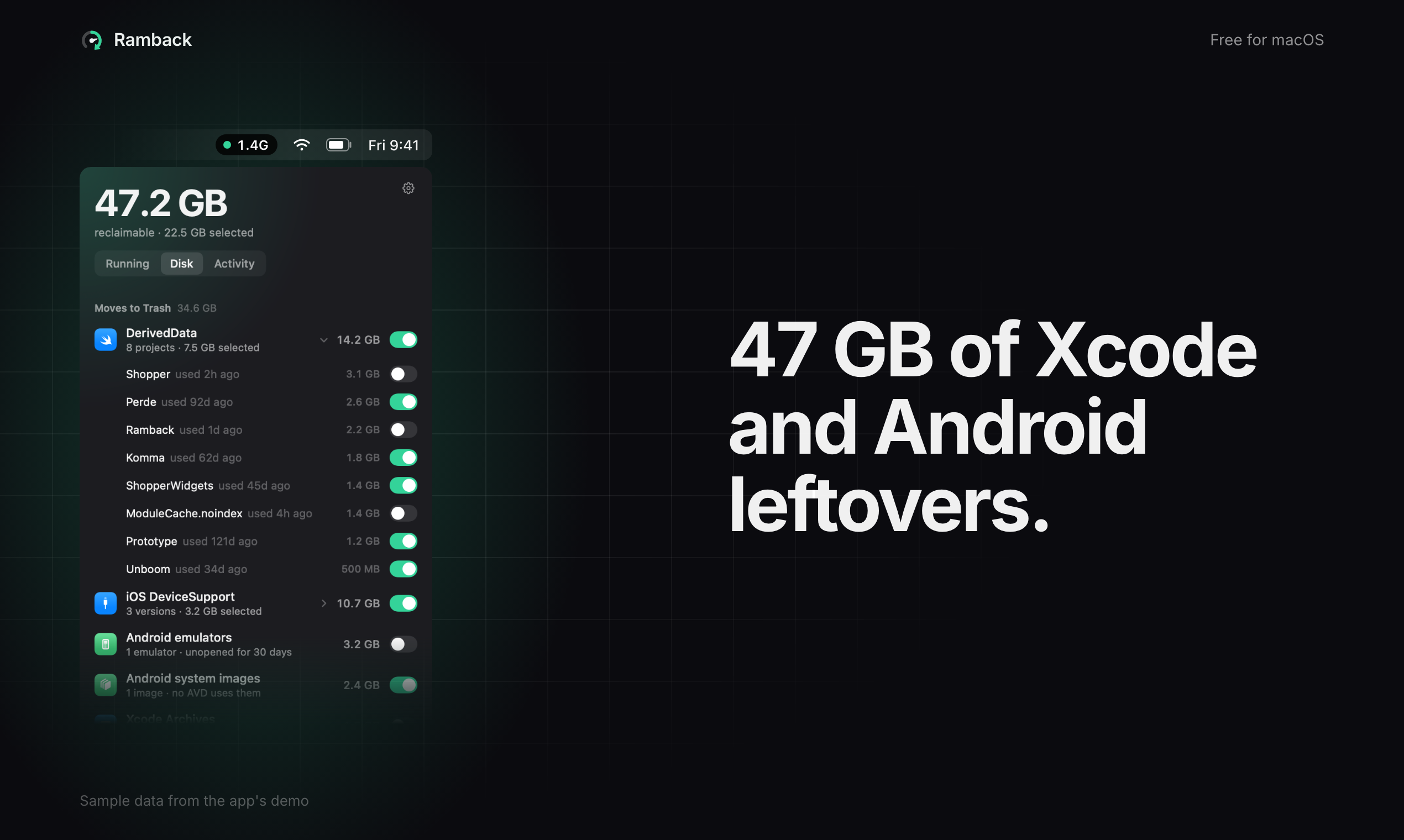
Ramback lives in the menu bar and lists your dev stack as things, not processes: iOS simulators (Xcode Previews too), Android emulators, Gradle and Kotlin daemons, Docker, OrbStack or Colima containers, Metro and other bundlers, dev servers, tunnels, and AI agents with the servers they left behind. Each row shows its RAM, who started it and how long it has been idle.
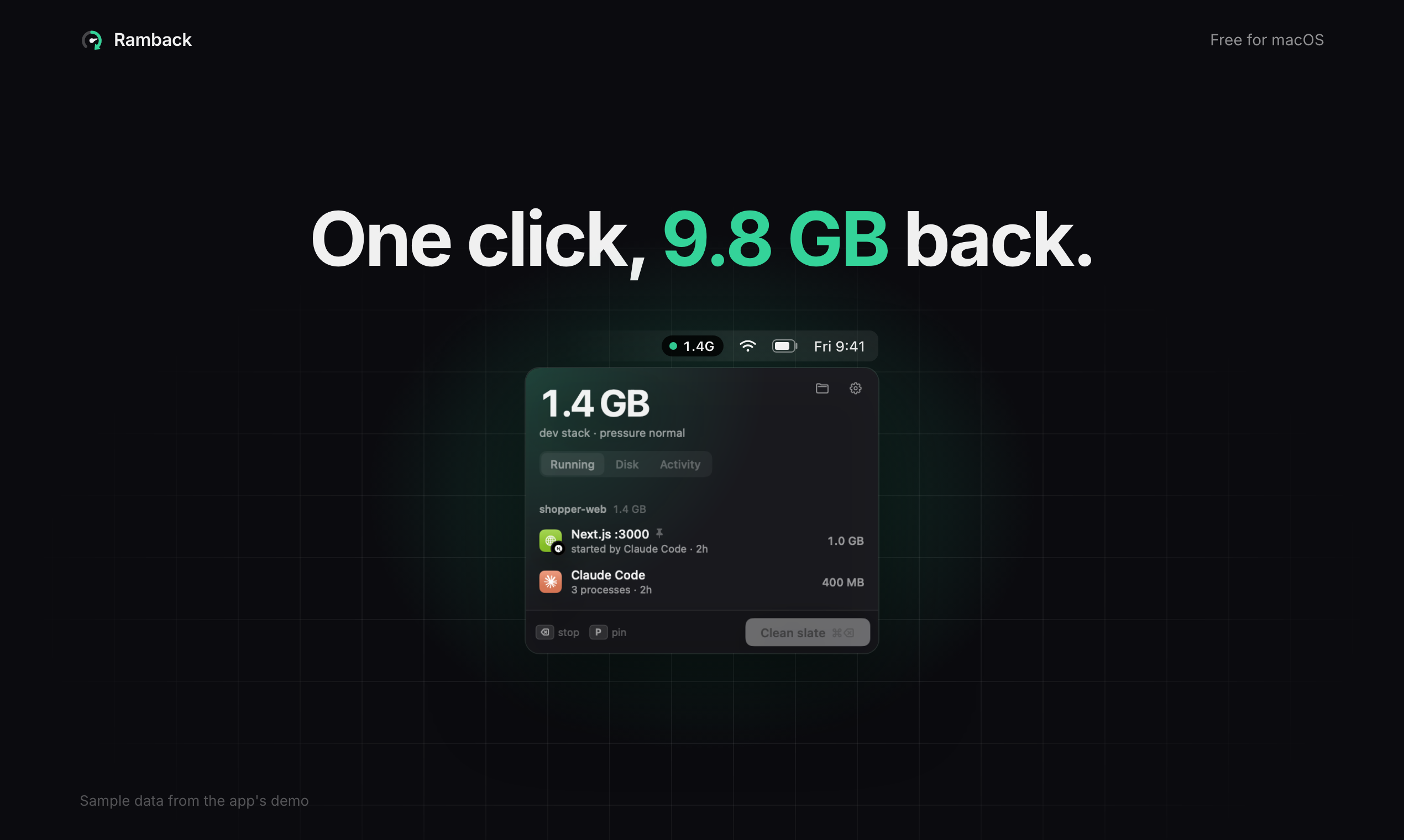
Stopping is the part I was careful with. Simulators get simctl shutdown, emulators adb emu kill, containers docker stop, everything else a SIGTERM to its process tree. If something hasn't quit after 5 seconds, it asks before forcing. Databases only stop after you confirm, and pinned rows and anything mid-build are skipped.
A CLI and an MCP server ship inside the app, so a coding agent can check what's running before it boots another emulator and stop its own servers when it's done.
I'd love to hear what else you find running on your Mac that Ramback should catch.